How To: Update Mac OS X Hosts File
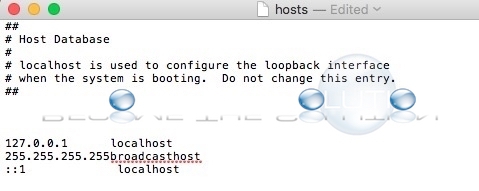
To quickly update your Mac hosts file, follow these steps.
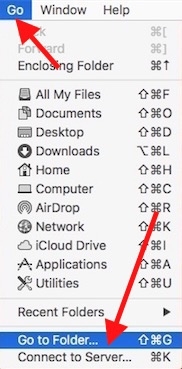
1. At the Finder, select Go -> Go to Folder… at the top menu bar.
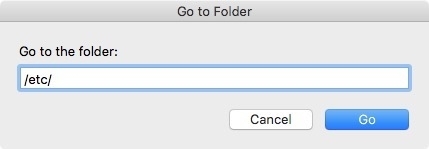
2. Type /etc/ then Go.
3. You now be in the /etc/ folder which contains the hosts file.
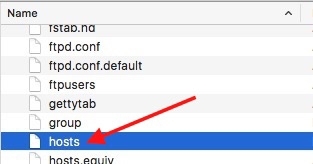
4. To edit the hosts file quickly, drag the hosts file to your desktop. This creates a copy you can edit and save to. Once the hosts file is on your desktop, open it. (You may need to right-click and choose open with TextEdit.app)
5. Add your necessary host file updates and save the file. Finally, drag the desktop hosts file back into the /etc/ directory. This will copy and replace your current hosts file. You will need administrator privileges so type in your account password.
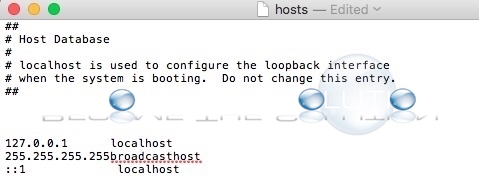
Your new hosts file will take effect immediately on your Mac X system. Don’t worry, Mac X will change the permissions of your new host file immediately so it will stay secure just as before.