Show Hidden Files Mac OS X
Sometimes you may need to display Mac OS X system files for certain application functions. While rare, these commands will allow you to show or hide all files in the Mac operating system.
- Open Mac X Terminal in Applications -> Utilities -> Terminal
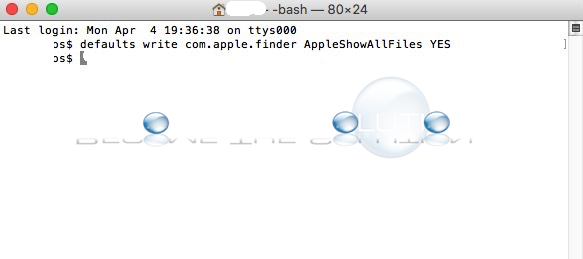
- Type the following command as shown
- defaults write com.apple.finder AppleShowAllFiles YES

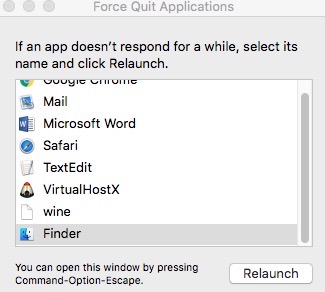
- Finally, re-launch the Mac X Finder. Go to -> Force Quit -> Highlight Finder and Relaunch it
- Immediately, you will see all hidden files show up on your Mac desktop.
To hide all Mac files, simply type the following command in terminal com.apple.finder AppleShowAllFiles NO and re-launch the Mac Finder for the changes to take affect.
