Where to Check FedEx Claim Status

There is no cut and dry area on the FedEx website to check the status of a claim you submitted online. Here are the steps to do so.
- Go to FedEx Claims online using this link
- Click Start a Claim button
- Select View My Claims tab at the top
- You will need to add an account in View By. If you try to enter in a case or tracking number in Search Claims by field, nothing will show up. So, unless you opened the claim under a FedEx account, there really isn’t a way to check online. Instead – call FedEx 800-463-3339 and get them to give you a status.
When you open a claim online, expect a confirmation email from FedEx. An example of one is below.
Dear FedEx Customer,
Thank you for filing your claim online at https://www.fedex.com/ClaimsOnline. We received your information and will begin our review process once we have your supporting documentation. If you have already submitted your supporting documents, please ignore this request.
If you selected our proactive notification feature, we will confirm via e-mail when your documentation arrives. Typically, we can resolve claims within five to seven business days of receiving supporting documents, unless additional research time is needed.
*UPDATE*
I received a confidential sealed envelope along with a check and reference sheet.
Dear XXXXXX
WE AT FEDEX ARE SORRY WE WERE UNABLE TO MEET YOUR STANDARD ON THIS DELIVERY(S). BELOW IS AN EXPLANATION OF YOUR SETTLEMENT AMOUNT, WHICH INCLUDES FREIGHT CHARGES. IF YOU HAVE ANY QUESTIONS PLEASE CONTACT FEDEX CUSTOMER SERVICE AT 1-800-GO-FEDEX
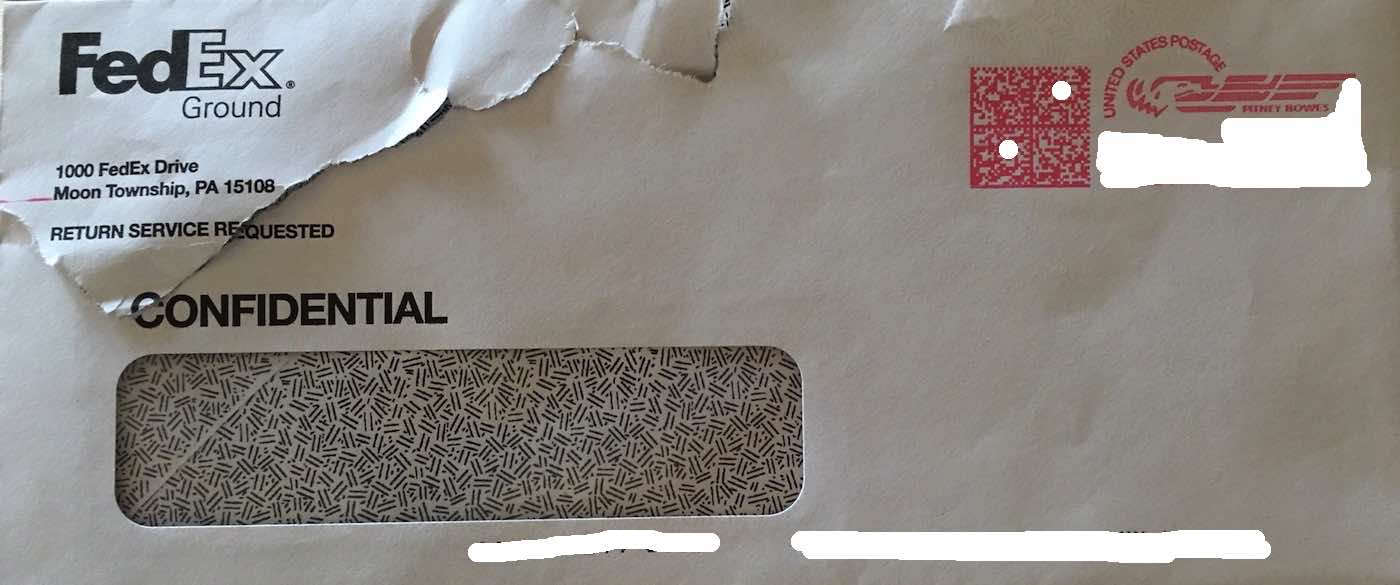
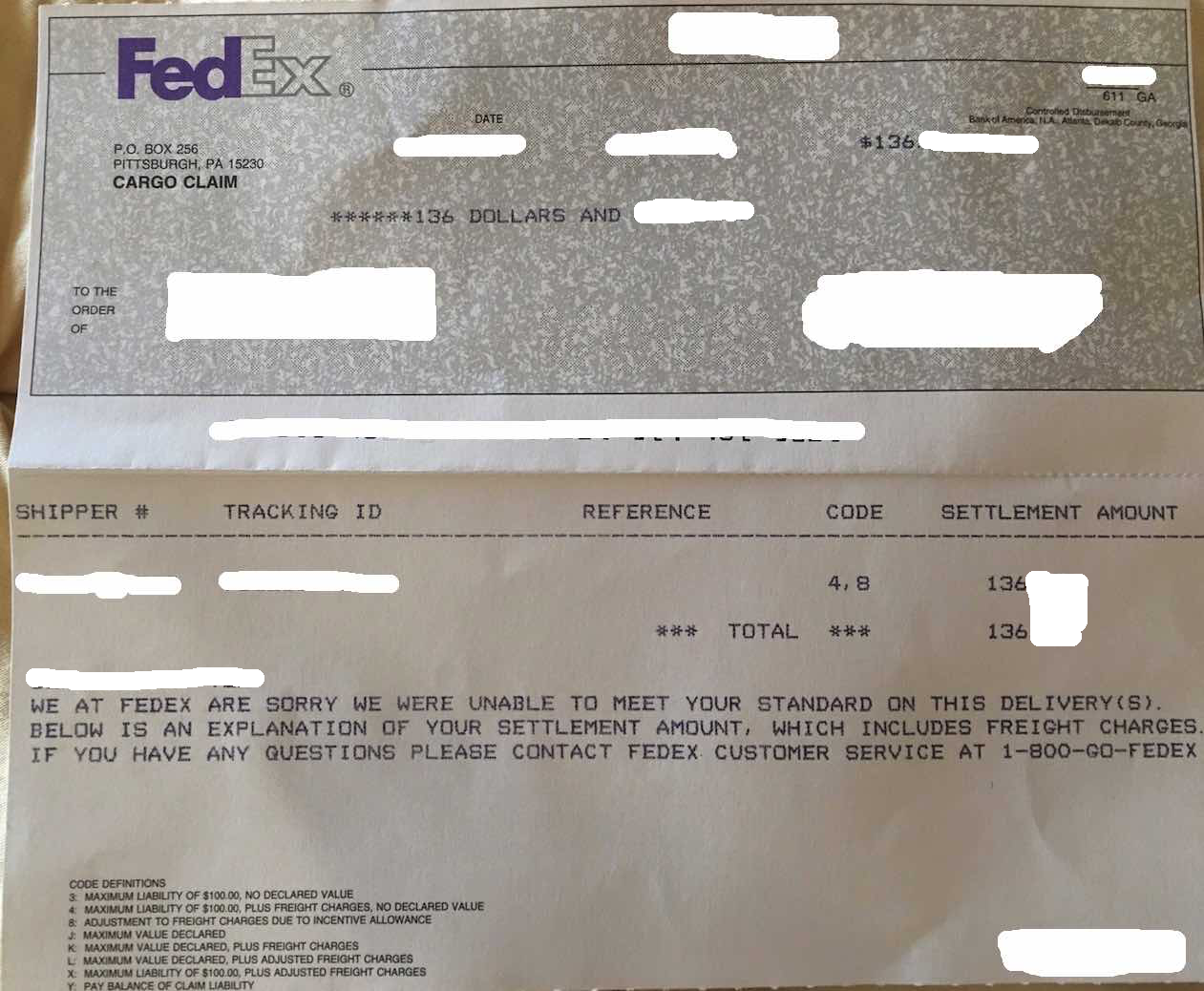
And like that – my claim was settled.
The tracking number, ship date and case number for your claim is: