Fix: Couldn’t Refresh Feed - Instagram
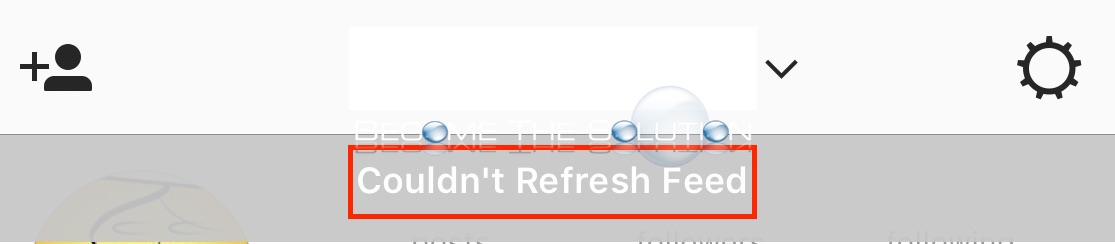
Are you receiving an error trying to load your Instagram feeds on your mobile device? Your Instagram story and feeds do not load and you receive the following error message.
Couldn’t Refresh Feed
1. Quit the Instagram App and re-open. On iPhone, double click home button and swipe up on Instagram. On Android, use the close all window option and close Instagram.
2. Try re-opening the Instagram App and re-loading your feeds.
If this does not fix it, please post in the comment form below. It may be an issue currently with Instagram and you will be able to see if others are posting the same results.
Please let us know if you are receiving this error and steps you have done to fix it.