Quickly reset your MacBook Air wireless network settings following these steps. 1. Navigate to Hard Drive -> Library -> Preferences -> SystemConfiguration 2. Delete all files in this folder except com.apple.Boot.plist 3. Reboot. Your wireless networks should all be forgotten and network settings reset.
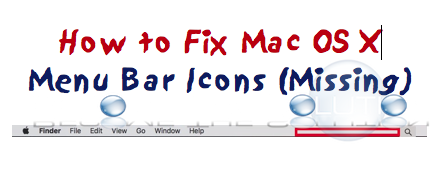
If your Menu Bar icons in Mac X Yosemite suddenly start to disappear, you may have a corrupt System UI Server preferences file. Delete the file and reboot following these steps. 1. Open Mac X Terminal 2. Type: rm ~/Library/Preferences/com.apple.systemuiserver.plist then killall SystemUIServer 3. Reboot your Mac. Your menu bar icons should...
Mac OS X does not have built-in functionality to automatically uninstall programs when we need. Typically, Mac X users drag an application to the trash to delete it from the system. This does delete the application; however it does not delete other files created by the application including preference files (.plist) apple support files (.sfl), apple...
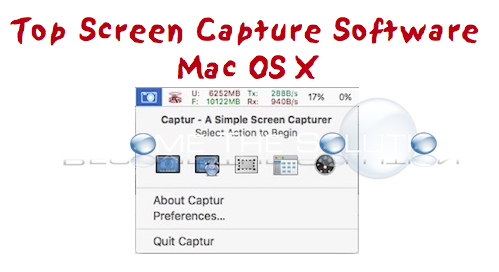
Once in a while, we need to take a screenshot in Mac X exactly where we are working in our Desktop. Mac X has a built-in capability of taking a screenshot with using hot keys. Sometimes we need the capability to select an area on our desktop for a screenshot. Luckily there is a straightforward and...
Copy and paste (ctrl+v) any of the following cheat codes in the latest version of Age of Empires game. Bookmark this page, we update this guide with the latest Age of Empires Cheat Codes daily. HOW DO YOU TURN THIS ONCobra Car Cheat CHEESE STEAK JIMMY'S1000 Food ROBIN HOOD1000 Gold ROCK ON1000 Stone LUMBERJACK1000 Food NATURAL WONDERSControl All of...