Fix: Waze Uh-Oh Can't Find Route
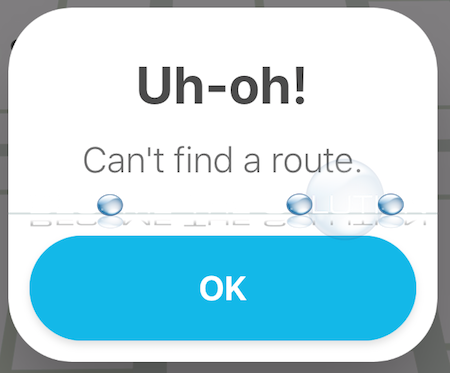
While using the Waze app, you may receive an error message after inputting an address destination. The app will attempt to lookup a route and the loading icon will spin, but then eventually respond “Uh-oh! Can’t find a route.” You may also notice the app displays Km (kilometers) instead of Mi (miles) or vice versa if you set up the opposite to show in your settings. In addition, if you keep entering the same route or a different route, the error message persists and continues to show up.
The Waze app is experiencing issues communicating to the Waze server. In addition, your mobile device might be attempting to communicate over your home wireless network or your LTE data connection simultaneously and the app is unable to make a reliable connection to the Waze servers to pinpoint a route. This likely happens if you are close outside of your house where you connect to a wireless network, or if you are travelling around and a saved wireless network comes into range of your mobile device.
Disable your mobile device Wi-Fi and try to use Waze over your mobile data connection. All else, swipe-up and end the Waze app, then re-open Waze.
Let us know if you are experiencing this and if this did not solve your issue or if you did something different to fix it.