Fix: SSL_ERROR_BAD_CERT_DOMAIN – Firefox
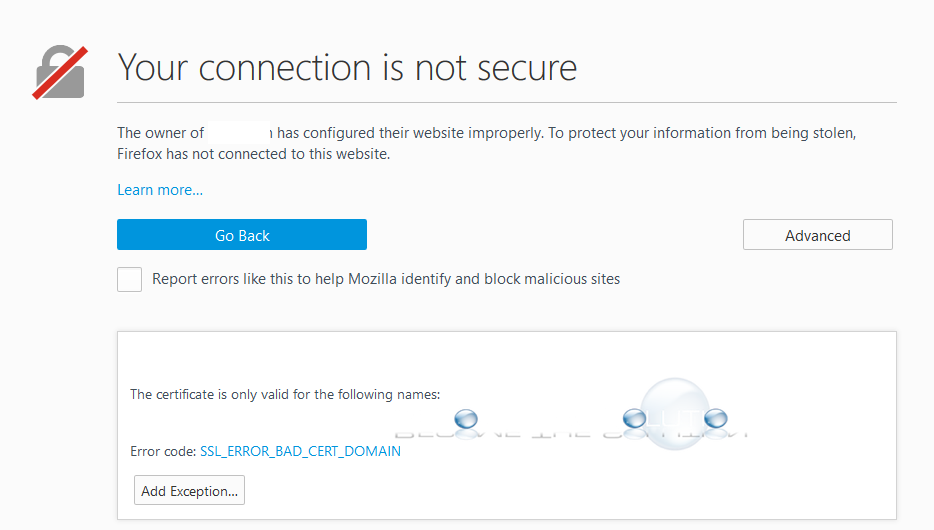
You may receive an error in Firefox web browser when trying to browse an HTTPS website. The error is listed below.
Your connection is not secure
The owner of “” has misconfigured their website improperly. To protect your information from being stolen, Firefox has not connected to this website.
The certificate is only valid for the following names:
Error code: SSL_ERROR_BAD_CERT_DOMAIN
The error is the result of the wrong SSL certificate being served/installed on the website you are browsing. Basically, the website is using an SSL certificate not correctly assigned to the domain name of the website your browsing. There are a few things to try.
1. In the URL address bar of Firefox, remove the “s” from https so it is http://website hit return and and try to browse non-securely
OR…
1. At the bottom of the page, click I Understand the Risks. Go to Add Exception -> Get Certificate and review the details.