Why: Your request could not be completed. Adobe Acrobat license has either expired or not been activated.
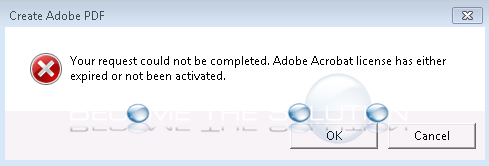
If you recently updated Adobe Acrobat you may get an error message trying to use Acrobat from another application.
WINDOWS:
- Browse to:
C:\ProgramData\Adobe
And rename SLStore folder to SLStore_old.
- Finally, browse to:
C:\Program Files (x86)\Common Files\Adobe\SLCache
And delete everything inside the SLCache folder.
MAC:
- Browse to:
/Library/Application Support/Adobe
And rename SLStore folder to SLStore_old.
- Finally, browse to:
/Library/Application Support/Adobe/SLCache
And delete everything inside the SLCache folder.