Fix: The Group of Resource is not in the Correct State to Perform the Requested Operation – RuntimeBroker.exe
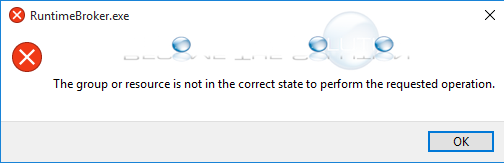
If you are trying to check and run Windows updates on your Windows computer, you may receive a message about a runtimebroker.exe error similar to below. This causes Windows updates to get stuck or not completely download or install on your machine.
The group or resource is not in the correct state to perform the requested operation.
The most widely documented fix online is below.
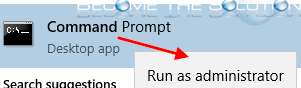
- Open a new Windows command prompt – right-click, run as administrator.
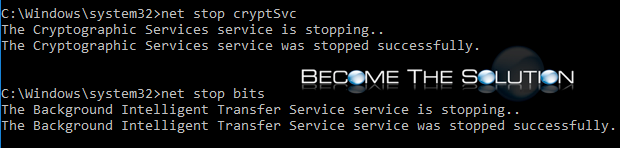
- Stop the following services (BITS, Cryptographic, MSI Installer, and Windows Update Service) by typing the commands below.
Note: if you get service cannot be stopped try again. All else, open Windows Servies and stop from the services console.
net stop wuauserv
net stop cryptSvc
net stop bits
net stop msiserver
- Next, rename 2 folders. type the following commands in the same Windows Command prompt to rename the SoftwareDistribution and Catroot2 folders.
Note: if you get Access is denied, open the folders and rename using Windows explorer. Also, ensure you have stopped the necessary services in the previous step.
ren C:\Windows\SoftwareDistribution SoftwareDistribution.old
- Start the following services (BITS, Cryptographic, MSI Installer, and Windows Update Service) by typing the commands below.
net start wuauserv
net start cryptSvc
net start bits
net start msiserver
- Finally, reboot your machine and try completing Windows updates again.