Stop: Facebook Messenger Business Messages

Are you suddenly receiving messages through Facebook Messenger from Facebook Business? The private messages you are receiving are most likely related to promotions you are running for a Facebook Business page. These messages suddenly started appearing and you likely did not trigger them to occur. This is yet another annoying and unintended feature Facebook decided to roll out and make you a part of. Luckily, there is a quick and easy way to disable these useless notifications.
Disable Facebook Business Messages
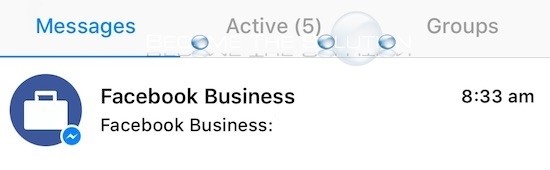
- In your Facebook Messenger app, open one of the Facebook Business messages by clicking it.
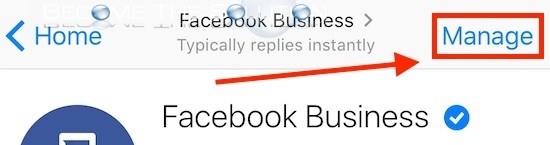
- Click Manage in the top right corner.
- Select Manage Messages.
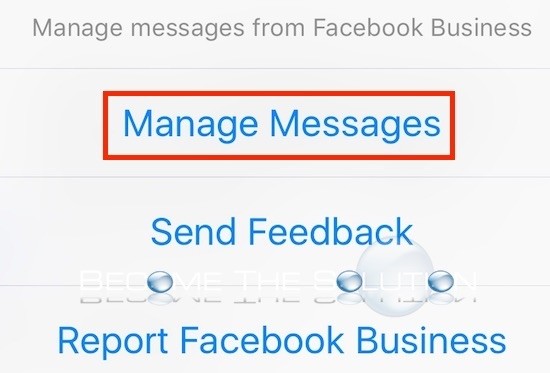
- Select Turn Off All Messages to stop receiving messages from Facebook Business in Messenger.

That should do it. You won’t be bothered by these messages again unless Facebook decided to enable this notification again without our knowledge.