Reset Internet Explorer to Default Settings (Windows CMD)

Use Windows command line to factory reset IE to defaults. This is useful when troubleshooting IE related issues.
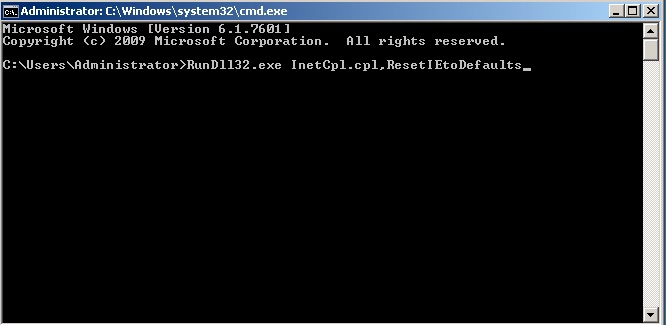
1. Open Command Prompt and tpye RunDll32.exe InetCpl.cpl,ResetIEtoDefaults
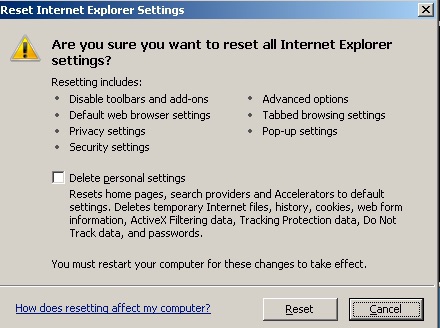
3. Confirm the reset is complete
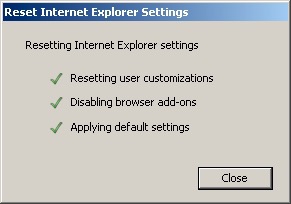
3. Confirm the reset is complete