Fix: Remote Desktop Can't Find The Computer
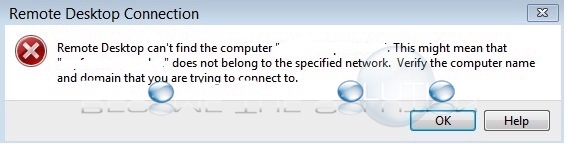
If you try to Remote Desktop to a Windows host by host name, you may receive the following error
Remote Desktop can’t find the computer “ “. This might mean that “ “ does not belong to the specified network. Verify the computer name and the domain that you are trying to connect to.
Solution:
The error is most likely related to your DNS server for the specific domain being unavailable. To confirm, try to ping the host name by it’s IP if you know it. All else fails, verify the DNS zone is accessible in DNS manager.