Fix: Properties Cannot Be Displayed Because This User – Dragon Naturally Speaking
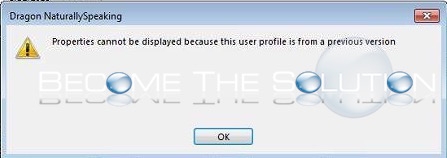
While working in Dragon NaturallySpeaking you may receive the following error due to a corrupt profile.
Properties cannot be displayed because this user profile is from a previous version.
Find where Dragon NaturallySpeaking program folder is located in Programs and Files. You will need to rename the profile username inside this folder to something different. Open Dragon and click manage users, then Advanced -> Backup. This will create and rebuild a new user which should stop the corruption message from happening.