Fix: Post of 403 Forbidden SVN
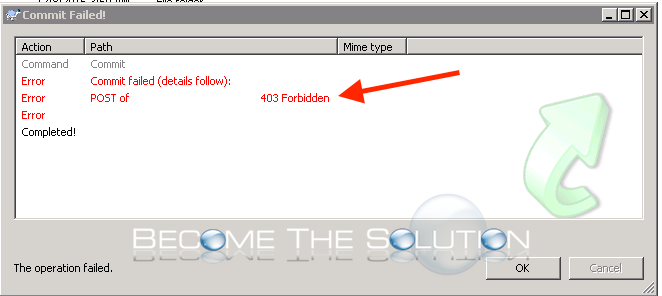
While attempting to deploy code via SVN, you may receive an error.
Commit failed (details follow):
Post of “” 403 Forbidden
Completed!
The operation failed.
Ensure you are using the correct capitalization case of the URL. The deployment URL is case-sensitive. Finally, verify that your proxy settings are correctly set in Internet Explorer. Internet Explorer -> Internet Options -> Connections -> LAN-Settings -> Advanced -> Exceptions and type your SVN server here. If you are on an authenticated domain, ensure your domain account you are trying the deploy from is not locked out.