Home
SEPERATOR
Search
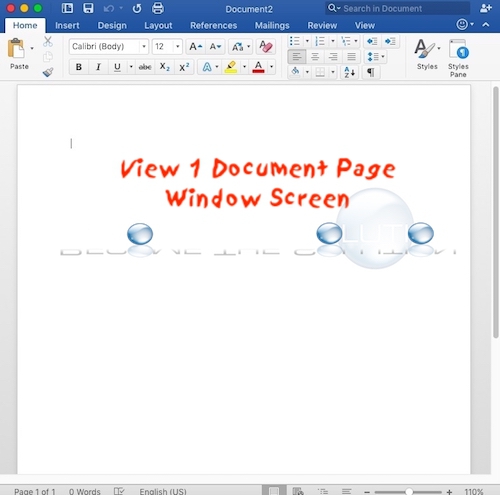
How To: Microsoft Word View 1 Page A Time
If you are in a Microsoft Word document and it displays side-by-side pages, you can change this to be a single page (normal view) by sliding the zoom view + button in the bottom right corner of your document until it fits in one page.
Tags:
Windows
Mac
Related Posts
How to Fix: “An error occurred while moving your channel” (YouTube Brand Account)
Windows
Fix: Maximum Display Brightness + Windows Boot Camp
Windows
Can’t Play – 0xc00d36f2 Windows Media Player
Windows
Fix: Sorry, you need to sign out of Teams and sign in again before you can schedule your meeting.
Windows
Fix: Acrobat Distiller Unable to Create the Temporary Folder Error: 183
Windows
Fix: Microsoft Access has detected that this database is in an inconsistent state and will attempt to recover the database.
Windows
Shop on Amazon for Great Deals on Mac & Apple Products