Easy: How to Determine Windows Operating System Version from Command Prompt
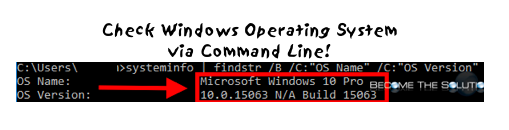
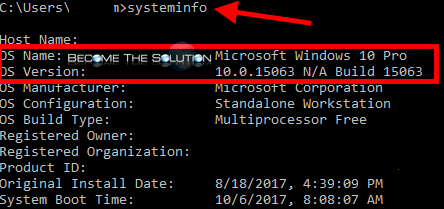
You can easily find a version of Windows Operating System using the command line by typing the following command into Windows command prompt. The command may take a few seconds to run.
systeminfo
And you will see:
You can “dumb down” this command to only show the Windows OS version by typing:
systeminfo | findstr /B /C:"OS Name" /C:"OS Version"
And you will see:
