How to Delete Instagram Comment on Desktop and Mobile

Here are the steps to delete an Instagram comment you made on your Desktop or Mobile device.
Delete Instagram Comment on Desktop Computer
- Select the triple dots in the bottom corner of your Instagram post.

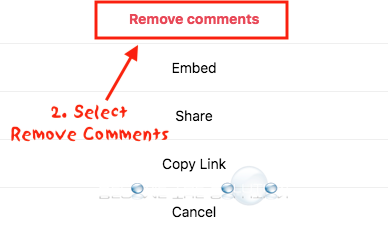
- Select Remove comments.
- Finally, click the X next to the Instagram comment you want to delete.
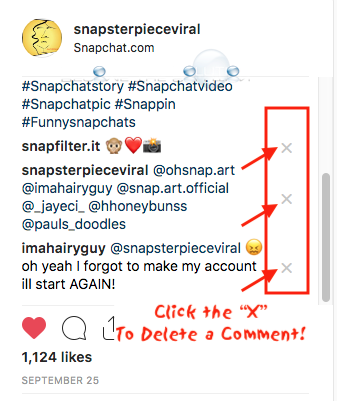
You will receive a confirmation prompt. Select Delete Comment.

Delete Instagram Comment on Mobile Device
- Swipe left on your Instagram comment to reveal the delete trashcan icon.
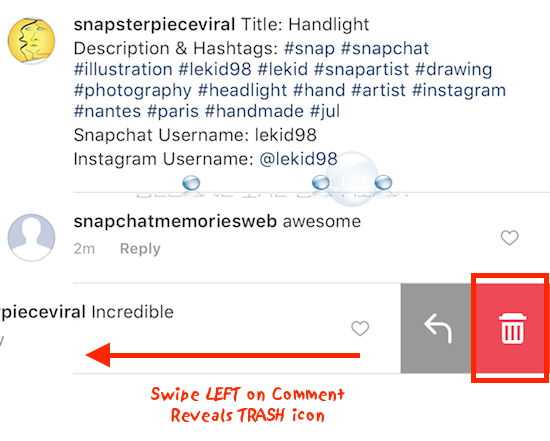
- Tap the trash icon to delete the comment.