How to Bypass: Operation did not complete successfully because the file contains a virus…
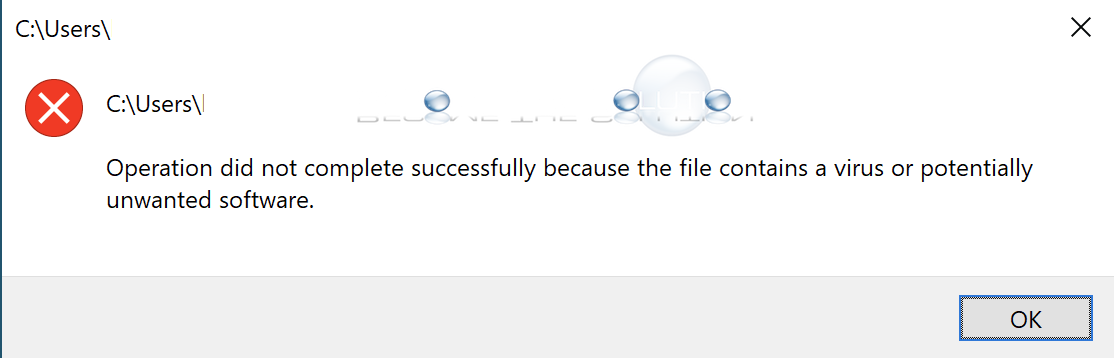
In Windows 10, when you try to run an executable (exe) file, you may get a prompt that cause the exe to not run and get deleted automatically.
Operation did not complete successfully because the file contains a virus or potentially unwanted software.
The file was flagged by Windows as being malicious. If you are certain the file is safe, you can still run the exe file.
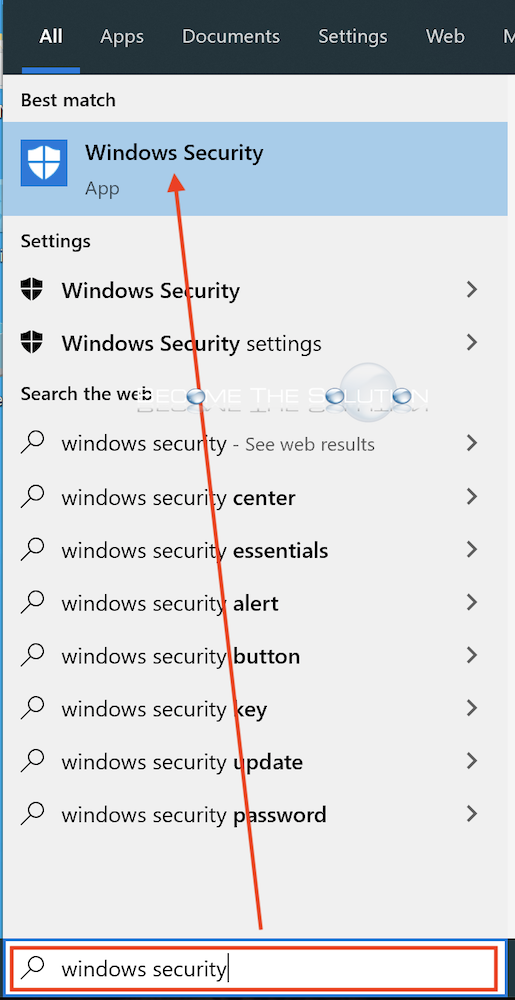
- Open Windows Security app.
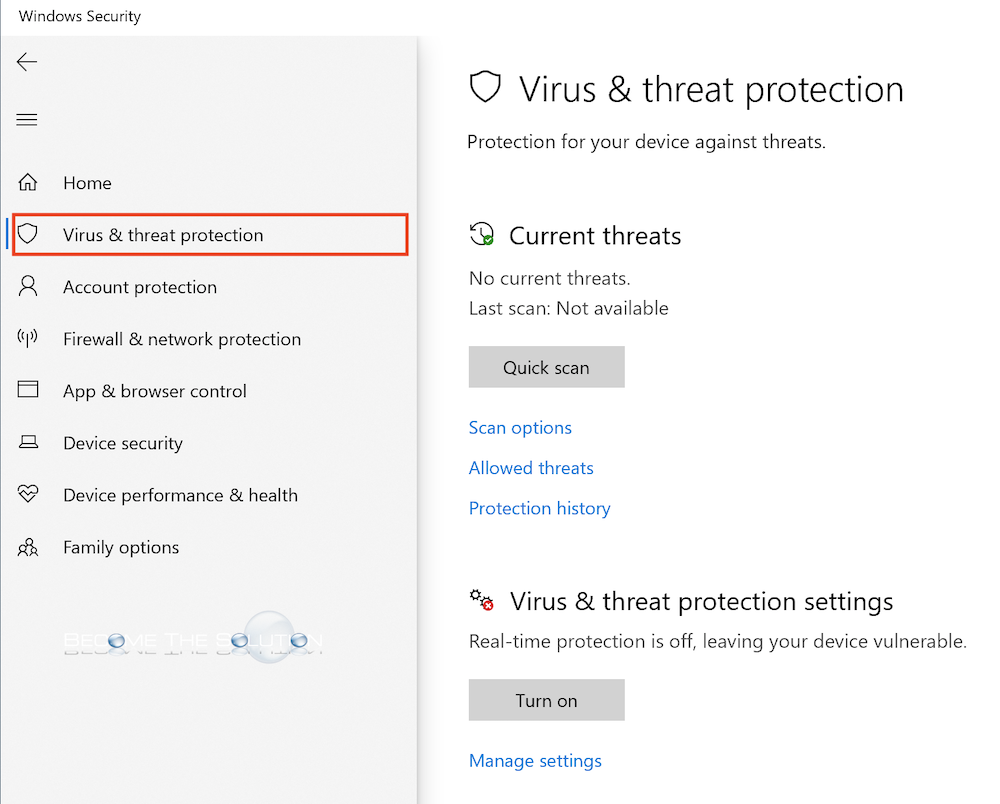
- Select Virus & threat protection.
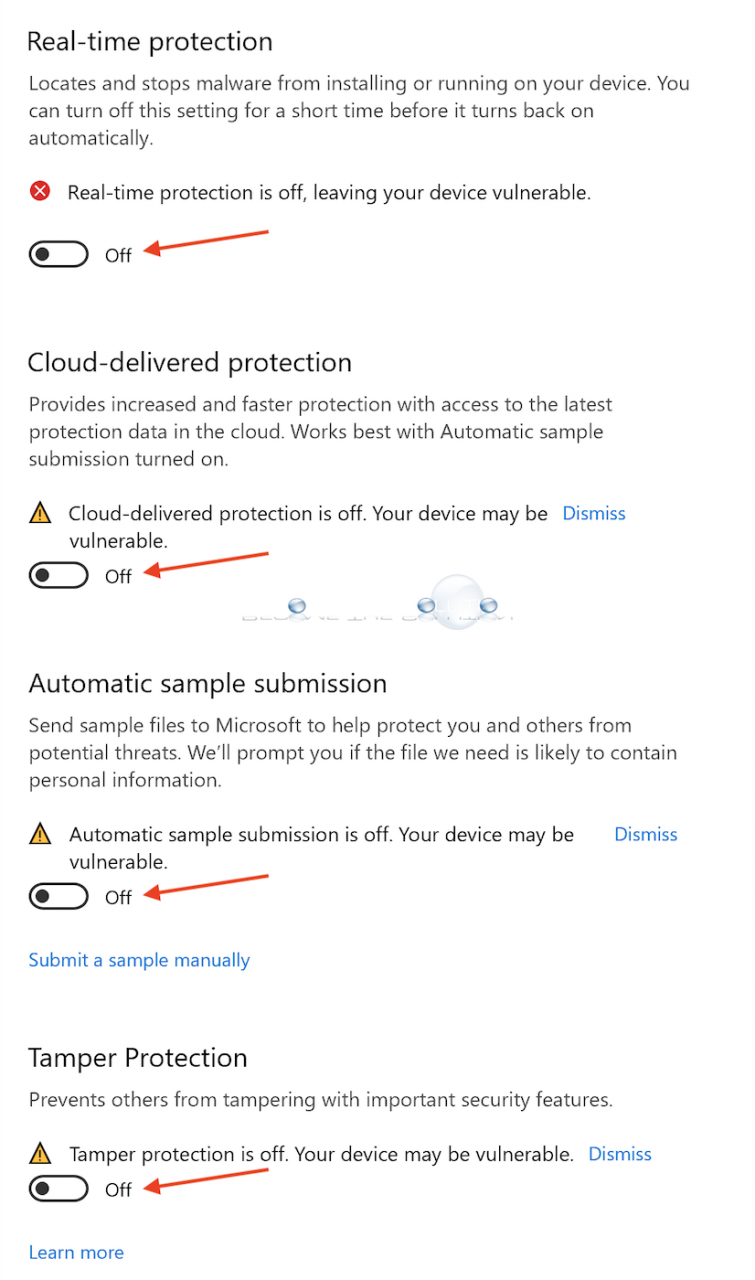
- Disable virus protection settings.
- Run the exe file again.