FIX: SVN Access to Forbidden

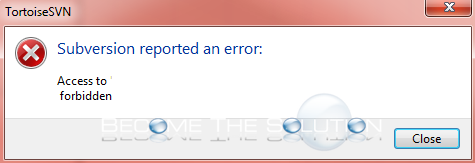
Are you trying to commit a change in TortoiseSVN but get an access forbidden error each time? Ensure the following credentials have been cleared first.
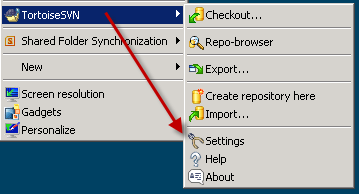
- Open TortoiseSVN -> settings.
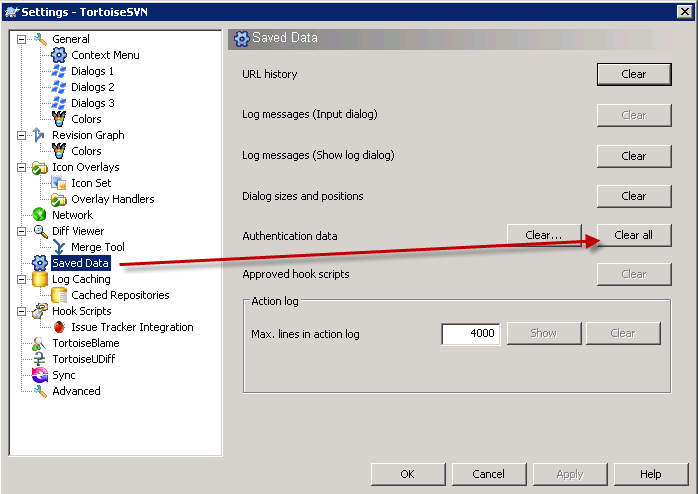
- Go to Saved Data -> Authentication data -> Clear all.
- In Windows, go to Start and open Windows Credential Manager.
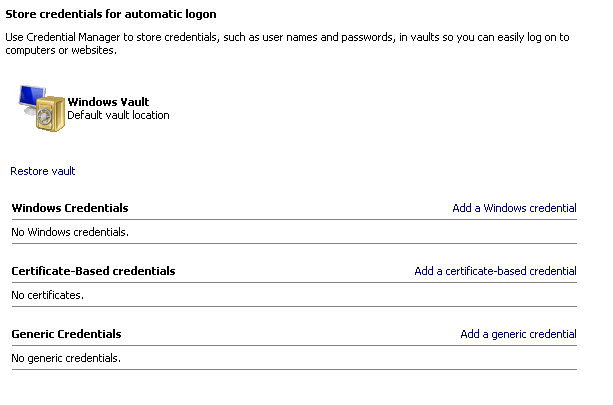
- Ensure there are no incorrect stored credentials to the server AND file path you are trying to commit to. If so, clear them.