Fix: Fatal Error Failed to run Move Files – Age of Empires
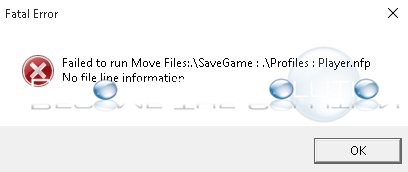
You may receive the following error when you try launching Age of Empires II: HD Edition for the first time
Fatal Error
Failed to run Move Files:.\SaveGame : .\Profiles : Player.nfp
No file line information
The fix is simple. You need to run AoK HD.exe as Administrator in Windows.
Right-Click the application and choose Run as Administrator. This will give AOE necessary privileges for creating folders on the system for the first time. You should only need to do this once.