Fix: Excel Cannot Complete this Task with Available Resources Choose Less Data or Close Applications
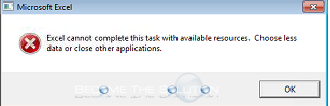
You may receive the following warning/error message while working in Microsoft Excel.
Excel cannot complete this task with available resources. Choose less data or close other applications.
The quickest solution to this is to close out other programs you currently have open. Follow these steps.
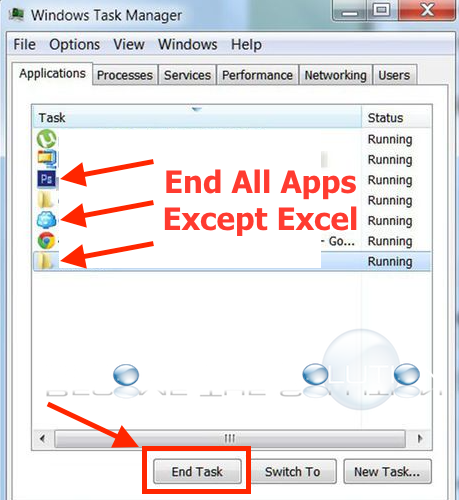
1. Press Ctrl + Shift + Esc to bring up the Windows Task Manger.
2. End all Applications except Excel. This should free system resources and you it should eliminate the excel error message.
3. After ending all other Applications except Excel, you can also quit and re-open Excel and try accessing your spreadsheet again.