Why: Creating Microsoft Account You Need a Parent’s Permission – Microsoft Online

If you are attempting to create a new Microsoft account, you may find after completing the initial account setup steps, you need parental permission in order to use that account with Microsoft websites and services.
You need a parent’s permission
Before you can sign in to this Microsoft account and use it with Microsoft websites and services, you need a parent’s permission. If your parent is available now, ask them to sign in to this PC.
If you choose to click I’m an adult. Why am I seeing this? You will be directed to a page to change your birthdate because the account (email address you are signing up with) somehow indicates you are under 13 years of age. If you accurately select a birthdate which says you are older than 13 years, you will be directed to provide credit card information to prove your identity.
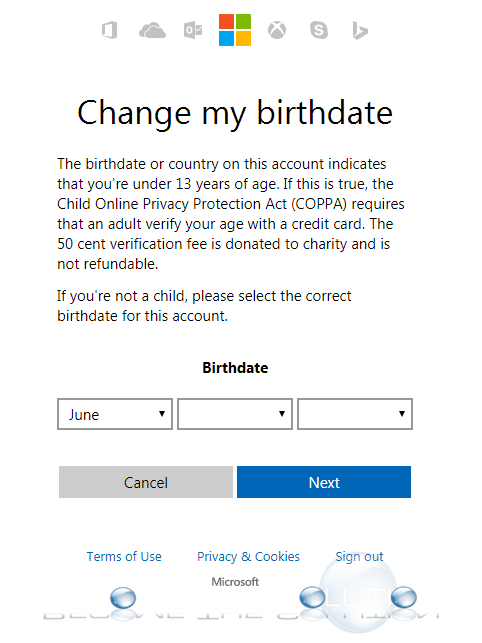
Per Microsoft: When you verify your age with a credit card, Microsoft charges the card a one-time fee of $0.50 (50 cents), and a portion of the fee is donated to charity.
The question is – why is Microsoft asking you to prove your age and identity when this is the first time your attempting to create an account with them?
If this is happening to you, please share your experience and what you did to verify your age, if anything, or you ended up creating another new account completely. It doesn’t make sense to have to prove age if your signing up for an account for the first time to us.