Fix: Couldn't Sign in There was a Problem Communicating with Google Servers Try Again Later
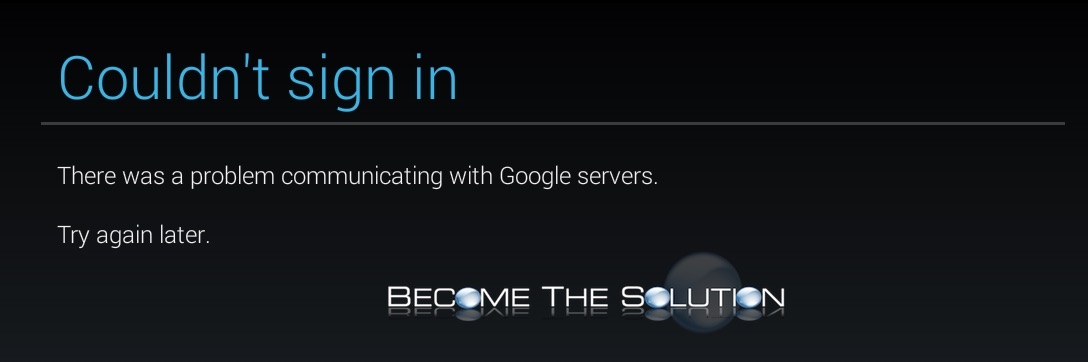
While trying to sign in to a Google account on Android OS, you may receive the following error.
Couldn’t sign in
There was problem communicating with Google servers.
Try again later.
First, try exiting out the app needing to login with your Google account and then re-open it and try logging in again. Also, try disabling 2-Factor Authentication for your Google account. If no luck still, perform the following steps.
1. On Android, go to your Apps tab.
2. Click Menu next to the home button at the bottom of your phone. This should reveal show disabled apps.
3. Click on Show Disabled Apps.
4. Click on the Google Apps and press done.