Clear Windows Command Prompt History
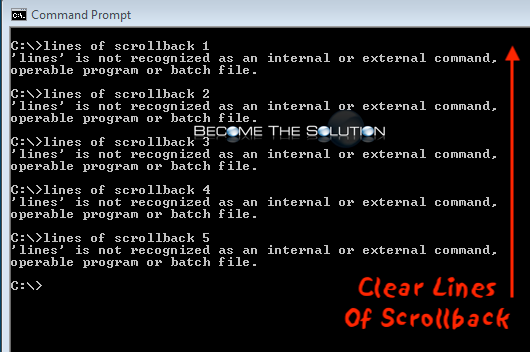
If you want to clear your Windows command prompt (cmd window) lines of scroll back history, use the CLS (abbreviated for clear screen) command.
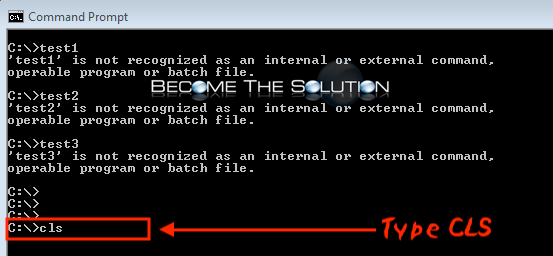
- In the Windows command prompt, type the following command to clear all lines of scroll back.
cls
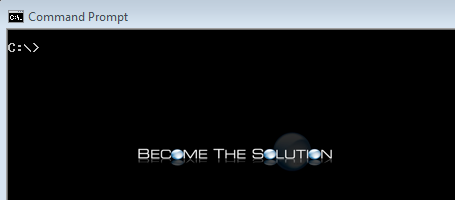
And instantly, your command prompt window will be clean again.