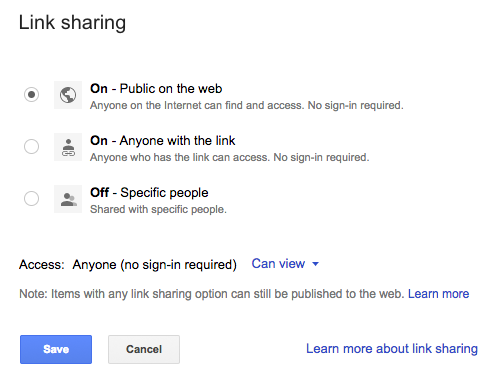
Fast: Change Access on Google Drive Document (Link Sharing)

By default, any document you upload to Google Drive has access permissions to only you. If you decide to share your document, you must change permissions accordingly. Follow the steps below.
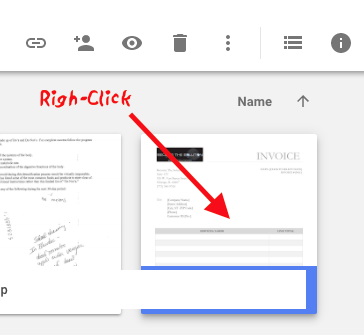
- In Google Drive, select a document(s) and right-click it.
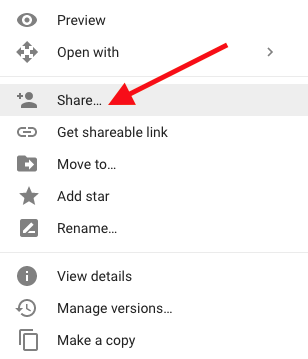
- Select Share…
- Click Advanced toward the bottom.
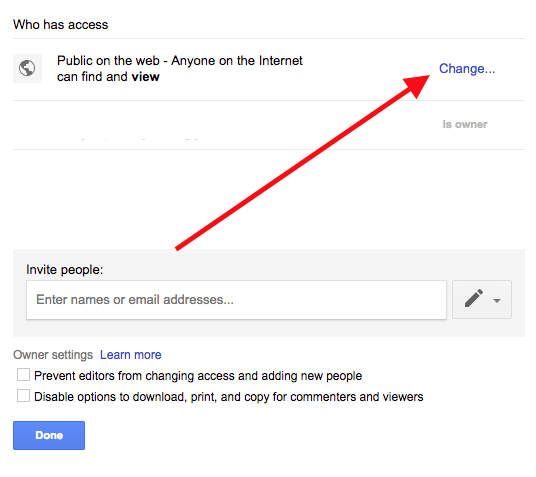
- Click Change to adjust the link sharing permissions of your document.