Fix: Cannot Find One or More Components. Please Reinstall the Application - SQL Server

Fix: Cannot Find One or More Components. Please Reinstall the Application - SQL Server

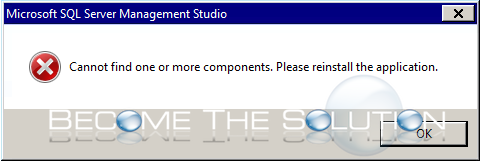
When you launch Microsoft SQL Server Management Studio, you receive an error message about missing components.   Check the SSMS logs inside %USERPROFILE%\AppData\Local\temp\SsmsSetup for errors.Try to repair the Visual Studio installation. Go to Control Panel -> Programs & Features -> Microsoft Visual Studio Shell (Isolated) -> Right-click and repair.Re-install any Microsoft Visual C++ Redistributable packages.{loadposition...
Continue reading
Tags:

Why: GoToMeeting has experienced technical difficulties. Please try again.

Why: GoToMeeting has experienced technical difficulties. Please try again.

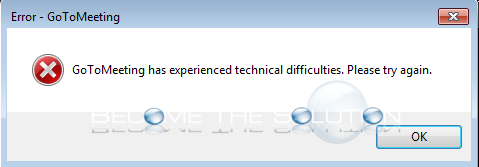
If you attempt to join or host a GoToMeeting or GoToWebinar, you may receive an error message that prevents you.   First, run the GoToMeeting connection Wizard found here. Follow the on-screen instructions and ensure your connection is not an issue. There is a known issue with certain GoToMeeting software versions, per a LogMeIn post here...

Continue reading
Tags:

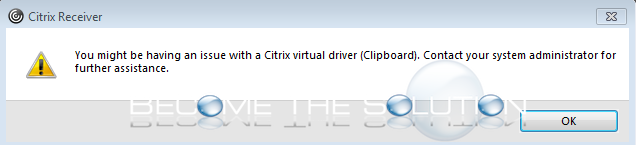
Why: You might be having an issue with a Citrix driver (Clipboard).

Why: You might be having an issue with a Citrix driver (Clipboard).

While working in Citrix, you may receive an error message.   You might be having an issue with a Citrix driver (Clipboard). Contact your systems administrator for further assistance.   Update to the latest version of Citrix Workspace App (CWA). For more information visit this post on the Citrix website.

Continue reading
Tags:

Why: Cisco Webex had a problem processing your request.

Why: Cisco Webex had a problem processing your request.

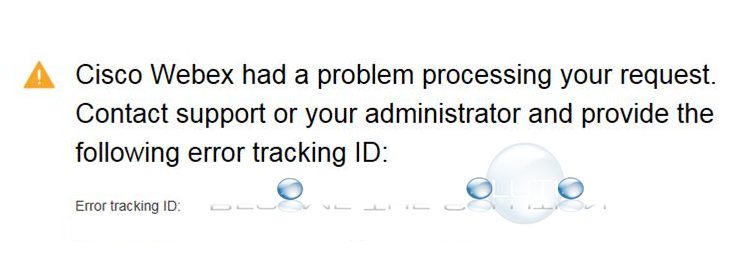
If you are attempting to register for a Cisco WebEx meeting, you may receive an error message in your web browser after hitting the submit button.   Cisco Webex had a problem processing your request. Contact support or your administrator and provide the following error tracking ID:   Delete your web browser history, cache, and cookies....

Continue reading
Tags:

Fix: The Trust Relationship Between This Workstation and the Primary Domain Failed – Windows

Fix: The Trust Relationship Between This Workstation and the Primary Domain Failed – Windows

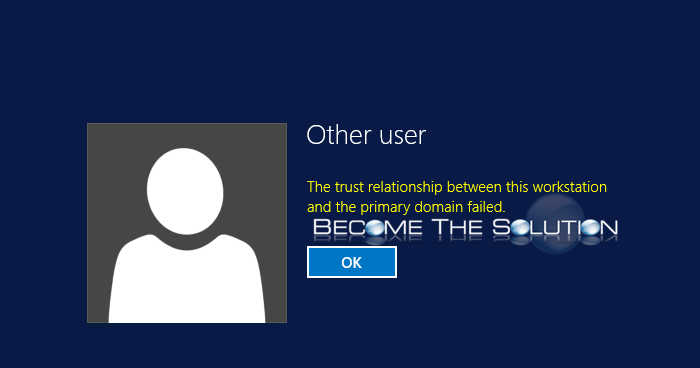
If you attempt to remote desktop (RDP) to a Windows machine on a domain, you may receive an error message about a trust relationship failing which prevents you from logging in.   The Trust Relationship Between This Workstation and the Primary Domain Failed.   *If this is physical machine, disconenct the machine from the network and...

Continue reading
Tags: