Fix: An Internal Error Has Occurred Windows Remote Desktop

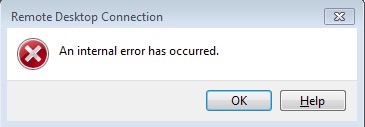
In Windows, you may receive an error message when you attempt to RDP (Remote Desktop) to another Windows host: “An internal error has occurred.”
You may have direct access to the machine you are attempting to connect too, but a reboot will not fix this error.
If you recently applied a cipher suite order using group policy, the cipher suites likely applied were for an incompatible version of Windows that is not supported. Review the necessary Schannel registry keys on Microsoft Technet and remove the incompatible registry key. Reboot the Windows host machine afterword’s to restore its RDP connection.