Easy: Amazon Delete a List (Including Shopping/Wish List) (Guide with Pictures)

You can delete any Amazon.com list you created or the default wish list and shopping list Amazon creates when you open an account.
- Login to Amazon.com.
- Go to your Amazon Lists page here.
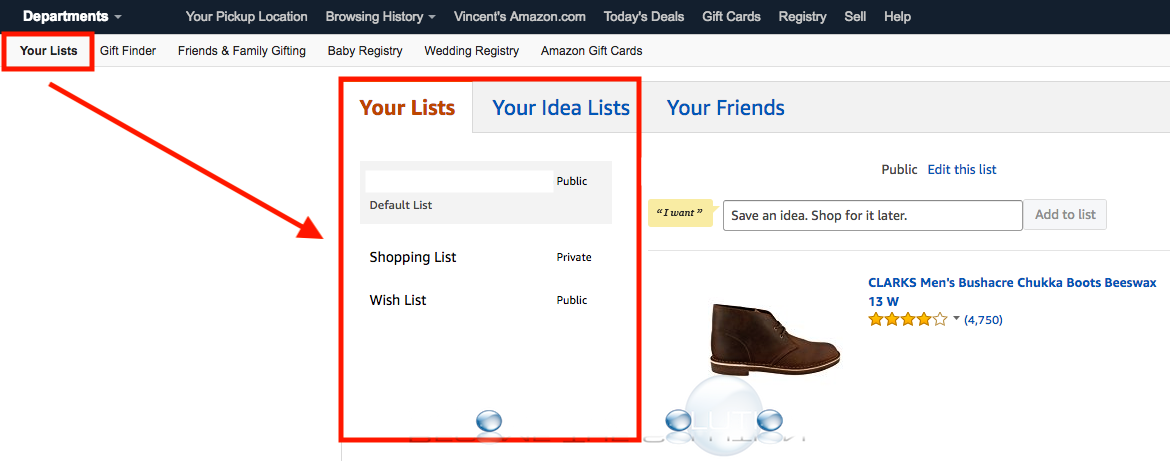
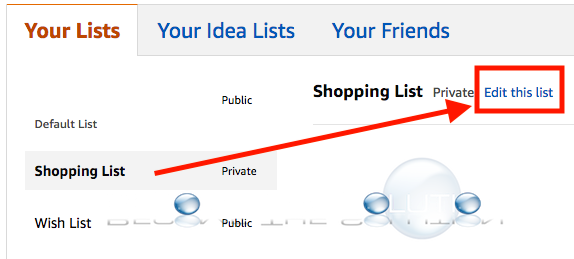
- Click on a list you created then select edit this list.
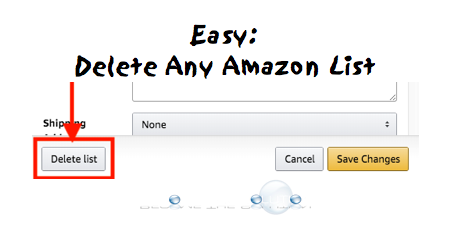
- A new window will pop-up. Select Delete list at the bottom.
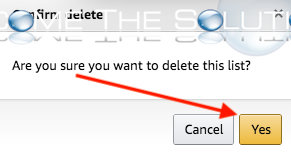
- You will receive a prompt Are you sure you want to delete this list? Select yes.
You can delete any lists in your Amazon account this way.